I. Detection
Messages are sent in the same channel in quick succession.
general
Live
user_a ayooo guuuys
user_a lets gooooo
user_b stream is starting!!
user_c send link again

Not only does Archivian have all the typical Moderation bot features, it also has extra systems and features not found in other bots.
See what we have to offer
Explore Features
 Your Community
  CyberAcme Systems
 A dedicated community for fans of Marathon and the CyberAcme faction.
 Graphic Design
 Discord's premier design community. Marketplace for clients & designers.
Messages are sent in the same channel in quick succession.
user_a ayooo guuuys
user_a lets gooooo
user_b stream is starting!!
user_c send link again
No human intervention needed. The system fires the instant the burst crosses the threshold.
The system enables on its own, and disengages on its own as well.
 Archivian Auto-Mod
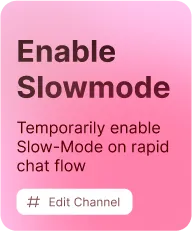
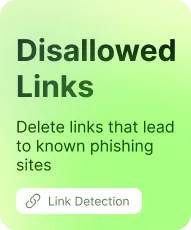
Prevent messages being spammed, server invites to non-allowed servers to be posted, crack down on cross-posting, automate slow-mode for active channels, and block images that look eerily similar to disallowed ones.
Delete invites to servers that don’t have specific features, like being discoverable
5 messages per second
Activate Slow-Mode

ROLES / ALERTS
Member Role Revoked
We detected that you advertised other server(s). Your member role has been revoked while we investigate the incident.
Archivian also has first-class support for Discord’s own Auto-Mod system.
Browse pre-made and community-made Discord Auto Moderation rules. Copy rules into your server, or subscribe to a rule with a click of a button by using Archivian.
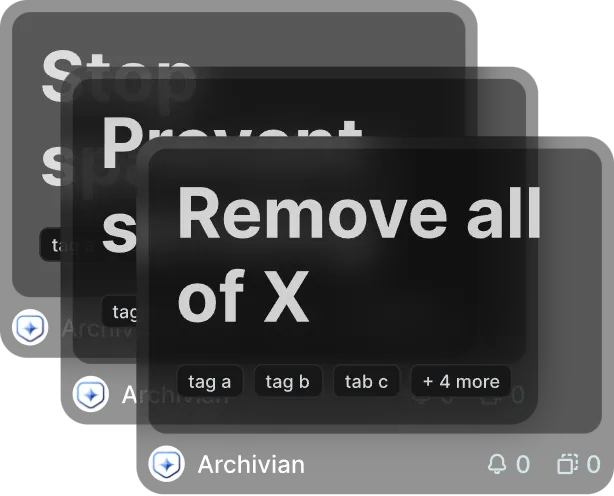
Browse community made Discord-native Auto-Mod rules
Copy or subscribe to a template into your server with a click of a button
Manually review updates to subscribed updates before applying them
Convert Discord-native Auto-Mod rules to templates
Set up alerts when something happens with templates, or updates become available
Manage Discord Auto-Mod text rules from the dashboard
Browse the library without an account. 1-Click import when using Archivian.

Fire actions automatically when user receive enough strikes. Expire points or keep them permanent. The intelligent latching system (hysteresis) prevents constant re-firing of strike actions as points decay.
Cross a threshold, drop back a few points, cross it again. Watch what does not happen.
No need for a dedicated appeal server or Google Forms anymore.
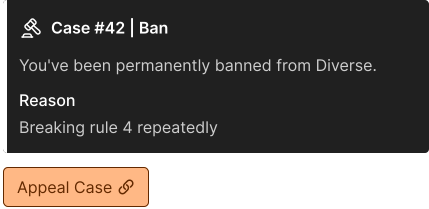
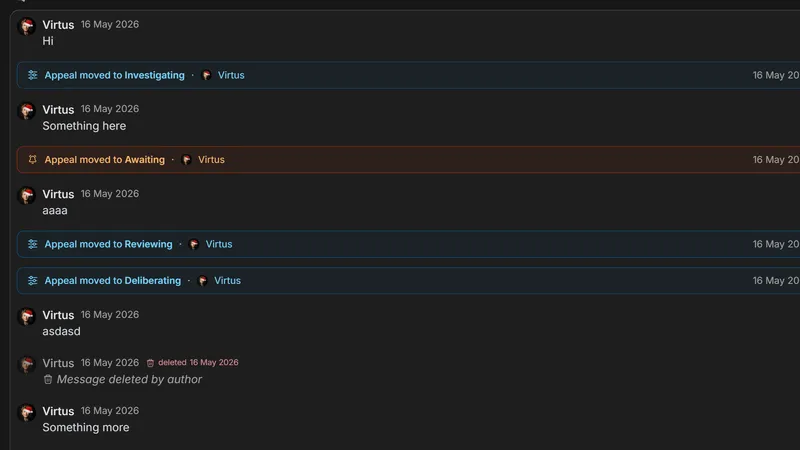
Appealing users and staff can chat with each other live, directly in the appeal. No setup required.
Live Chat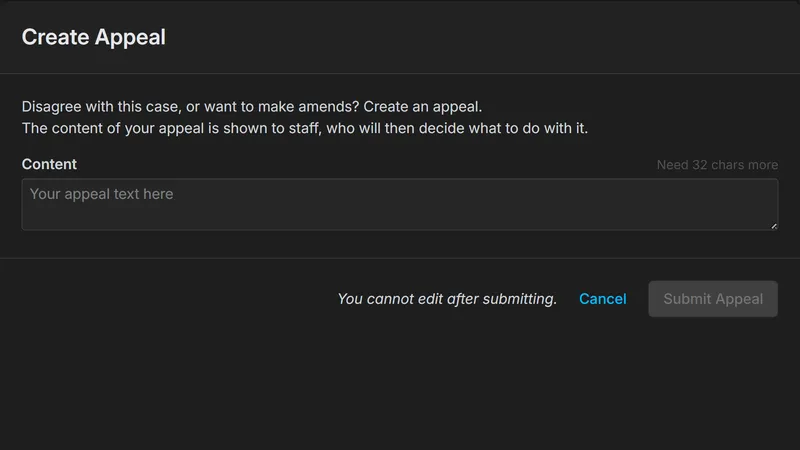
Users can appeal bans that existed even before Archivian was added to your server. We guide them.
Appeal Existing Bans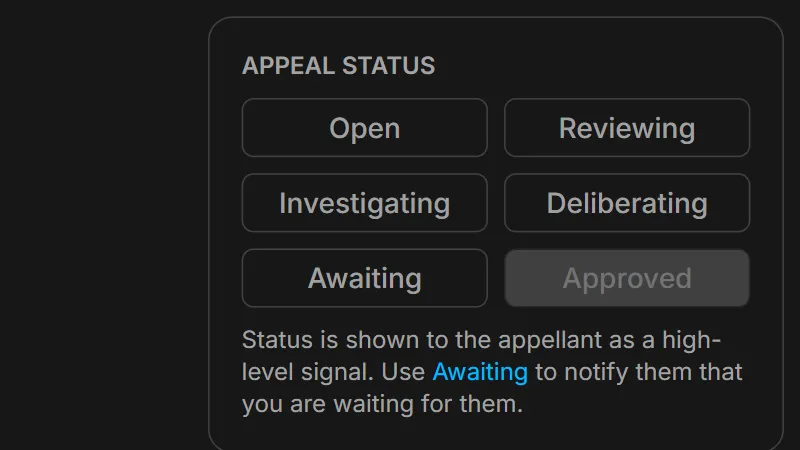
You can change the “status” of an appeal if it requires more time for investigation. Appealing user sees status update.
Give Status Updates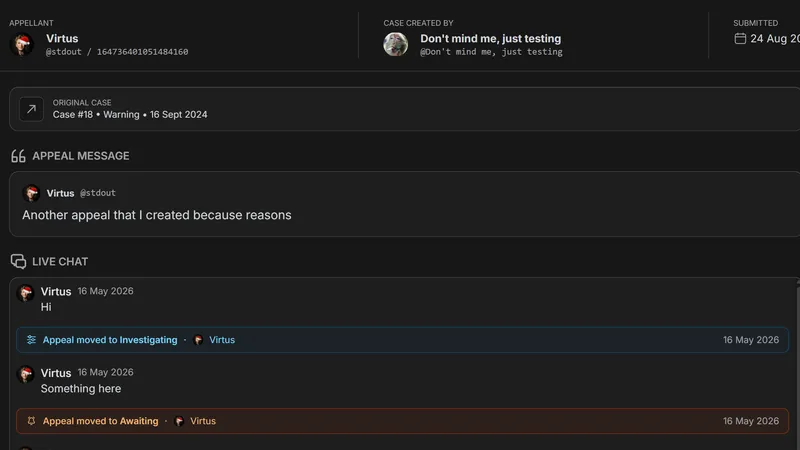
Appeals are linked to cases. They can create another appeal if the first is rejected. You can disallow further appeals.
Per-Case Appeals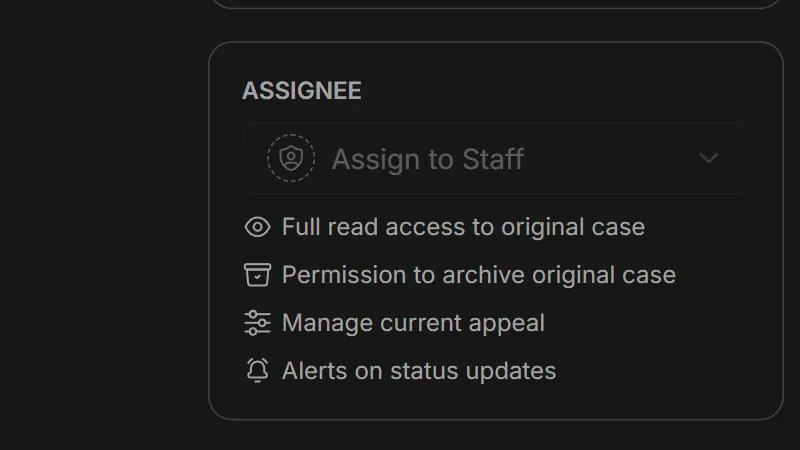
Assign a staff to process an appeal, automatically giving them access to the appeal and the original case.
Assign To StaffAttach files directly in cases, like picture proof or anything you’d like. The files get re-hosted by us, so you never have to rely on Discord or others to keep the file links alive.
Create follow-ups to cases or attach multiple “reasons” in a single case by using entries. Instead of a single reason, Archivian uses entries in cases instead.
Changes to message content is tracked, so your staff will be able to see what the old content was when it changes. The entire message itself is also tracked, in case it gets deleted.
Store copies of files that are sent. When they are deleted, the copy becomes available for staff to view.
Messages that gets bulk deleted by Archivian or other bots gets placed in a Message Collection, where you can see full details and content of the messages that got deleted.
Tweak the message tracking system to your needs.